Content Index
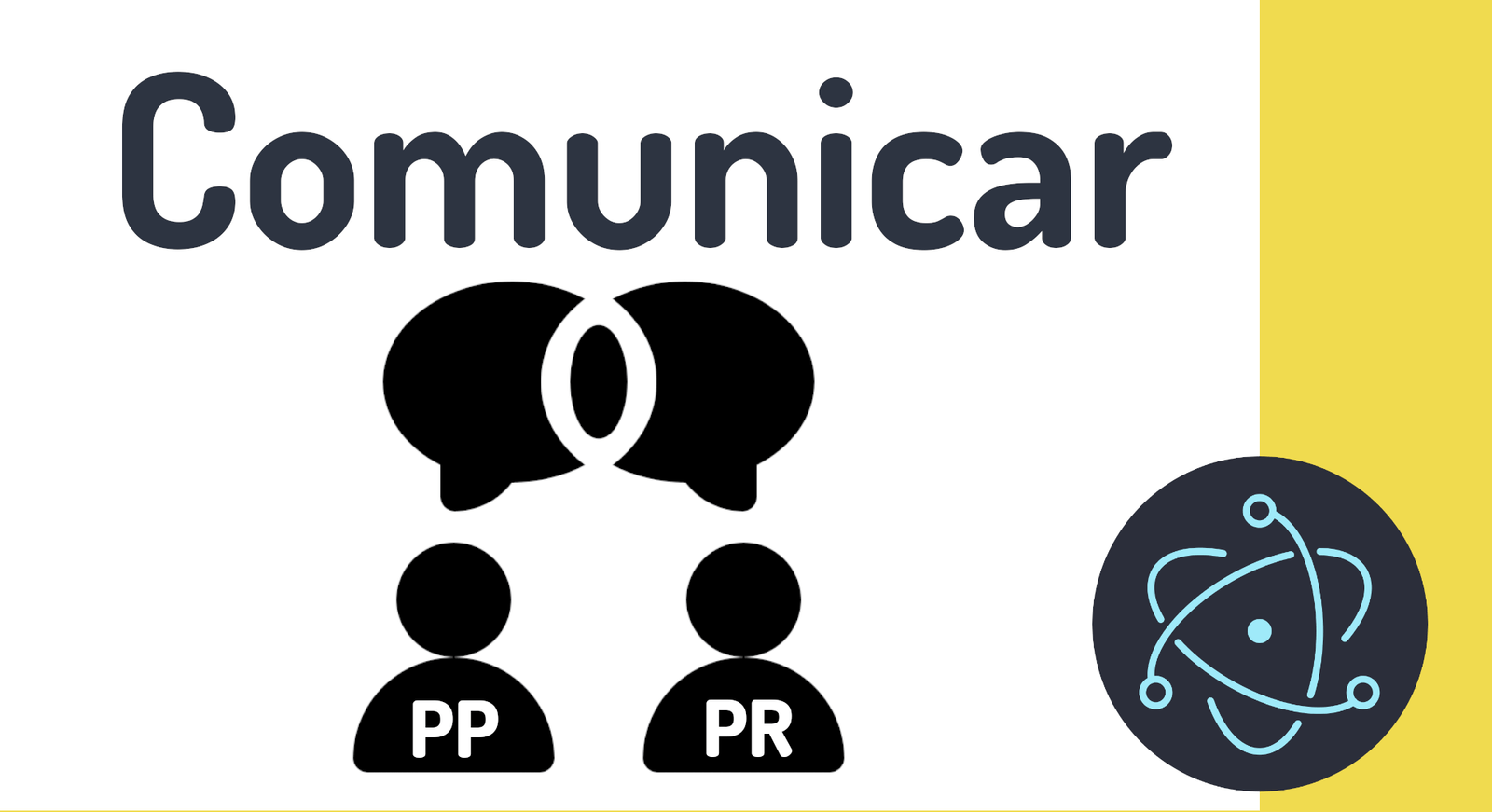
Once we have completed the guide to creating your first application in Electron. There are many scenarios in which we need to communicate both processes, that when an event occurs in the main process and/or the rendering process, we can send said message at any time to perform a specific action; Being able to send messages via events between processes is particularly useful for performing operations that can only be executed on one side but that we need to communicate to the other side; For example:
- If we want to open a new window by clicking on a button, where the button is obviously on the web page, it is logical that from the web page, we must send a message to the main process to open said window.
- If from the main component we must pass data to the web page that will be taken as a reference to build the application interface; these data can be provided in any comment, either when the web page loads, when the user interacts with the application, etc.
In summary, like any other paradigm, for example the one based on the client and server used by web applications, it is essential to communicate the layers or processes that are involved, either directly or indirectly, and we are going to know in detail how to perform these processes.
At Electron, we have a single main process and one or more rendering processes or web pages; the communication between the two is done through a couple of modules:
- ipcMain: This module is used to communicate from the main process to the rendering processes.
- ipcRenderer: This module is used to communicate from the rendering processes to the main process.
Let's analyze each of them in practice.
Main Process to Render Process
In order to send a message to the web page from the main process, we have the following function:
<window>.webContents.send(<EVENT>,<VALUE>)From the client we have to subscribe to an event; we need to import an ipcRenderer object from Electron and listen to the set channel.
const { ipcRenderer } = require('electron')

ipcRenderer.on(<EVENT>, (event, arg) => {
 // TO DO
});
Render process to main process
To be able to send a message from the rendering process or web page, we have it very simple, just pass the message from the web page:
const { ipcRenderer } = require('electron')
ipcRenderer.send('message', <DATA>)
From the main process, we have a callback event:
const {ipcMain} = require('electron')

ipcMain.on('message',(event, arg) => {
   // TO DO
})
Initialize listings between main process and rendering process in Electron
To pass the data defined in the main process, we are going to use the following structure; the data will be available from the main process, to simulate an external structure such as a database, we are going to create a separate file for index.js, which is the one that will be in charge of supplying the data, we will create a couple of modules with the data so that they are easily consumable:
data.js
const contacts = [
    {
        'name': 'Alex Alexis',
        'image': 'https://randomuser.me/api/portraits/women/56.jpg',
        'last_chat': [
            {
                'date': '9:15 AM',
                'message': 'Lorem ipsum dolor sit amet',
            }
        ]
    },
    {
        'name': 'Eli Barrett',
        'image': 'https://randomuser.me/api/portraits/women/96.jpg',
        'last_chat': [
            {
                'date': '8:30 PM',
                'message': 'Lorem ipsum dolor sit amet',
            }
        ]
    },
    {
        'name': 'Kylie Young',
        'image': 'https://randomuser.me/api/portraits/women/45.jpg',
        'last_chat': [
            {
                'date': '8:30 PM',
                'message': 'Lorem ipsum dolor sit amet',
            }
        ]
    },
    {
        'name': 'Kylie Young',
        'image': 'https://randomuser.me/api/portraits/women/45.jpg',
        'last_chat': [
            {
                'date': '8:30 PM',
                'message': 'Lorem ipsum dolor sit amet',
            }
        ]
    }
]
const chats = [
    {
        'user': {
            'name': 'Alex Alexis',
            'image': 'https://randomuser.me/api/portraits/women/56.jpg',
        },
        'chat':
        {
            'date': '9:15 AM',
            'message': 'Lorem ipsum dolor sit amet consectetur adipisicing elit. Doloribus reprehenderit voluptatibus cumque, deserunt deleniti consequatur adipisci nisi consequuntur sunt itaque? Sunt aspernatur, ratione labore ipsam enim unde itaque dolorum magni?',
        }
    },

    {
        'user': {
            'name': 'Eli Barrett',
            'image': 'https://randomuser.me/api/portraits/women/58.jpg',
        },
        'chat':
        {
            'date': '9:50 AM',
            'message': 'Lorem ipsum dolor sit amet consectetur adipisicing elit. Doloribus reprehenderit voluptatibus cumque, deserunt deleniti consequatur adipisci nisi consequuntur sunt itaque? Sunt aspernatur, ratione labore ipsam enim unde itaque dolorum magni?',
        }
    },

]
module.exports.contacts = contacts;
module.exports.chats = chats;
From the index, we activate the integration with Node and consume them; We define an event in which, when loading the window (web page) through the did-finish-load event, we transmit the data via a message:
index.js
const { chats, contacts } = require('./data')
***
function createWindow(){
    let win = new BrowserWindow({
        width: 1300,
        height:900,
        webPreferences:{
            nodeIntegration: true,
            contextIsolation: false
        }
    })
    win.loadFile("index.html")
    win.webContents.openDevTools()
    win.webContents.on('did-finish-load', () => {
        win.webContents.send('pr-chats',chats)
        win.webContents.send('pr-contacts',contacts)
    });
}
From the web page, thanks to the fact that we activated the integration with Node, we can import the ipcRenderer module, in order to communicate with the main process, specifically, we are interested in creating a listener (listener) to receive the data sent from the main process:
index.html
<script>
     const { ipcRenderer } = require('electron')
        function createContacts(contacts) {
            var lis = ''
            contacts.forEach((c) => {
                lis += `<li class="p-2 card mt-2">
                    <div class="card-body">
                        <div class="d-flex">
                            <div>
                                <img class="rounded-pill me-3" width="60"
                                    src="${c.image}">
                            </div>
                            <div>
                                <p class="fw-bold mb-0 text-light">${c.name}</p>
                                <p class="small text-muted">${c.last_chat[0]['message']}</p>
                            </div>
                            <div>
                                <p class="small text-muted">${c.last_chat[0]['date']}</p>
                                <span class="badge bg-danger rounded-pill float-end">1</span>
                            </div>
                        </div>
                    </div>
                </li>`
            })
            document.querySelector('.contact').innerHTML = lis;
        }
     function createChats(chats) {
            var lis = ''
            chats.forEach((c) => {
                lis += `  <div class="d-flex chat">
                <div class="w-75 ">
                    <div class="card bg-dark">
                        <div class="card-body text-light">
                            ${c.chat.message}
                        </div>
                    </div>
                    <p class="small text-muted float-end">${c.chat.date}</p>
                </div>
                <div class="w-25 d-flex align-items-end">
                    <img class="rounded-pill ms-3 avatar" src="${c.user.image}"/>
                </div>
            </div>`
            })
            document.querySelector('.chats').innerHTML = lis;
        }
        ipcRenderer.on('pr-chats',(event, chats)=>{
            createChats(chats)
        })
        ipcRenderer.on('pr-contacts',(event, contacts)=>{
            createContacts(contacts)
        })
</script>
From the index, we activate the integration with Node and consume them; we define an event in which, when loading the window (web page) we transmit the data via a message:
index.js
const { chats, contacts } = require('./data')
***
function createWindow(){
    let win = new BrowserWindow({
        width: 1300,
        height:900,
        webPreferences:{
            nodeIntegration: true,
            contextIsolation: false
        }
    })
    win.loadFile("index.html")
    win.webContents.openDevTools()
    win.webContents.on('did-finish-load', () => {
        win.webContents.send('fs-chats',chats)
        win.webContents.send('fs-contacts',contacts)
    });
}
From the web page, thanks to the fact that we activated the integration with Node, we can import the ipcRenderer module, in order to communicate with the main process, specifically, we are interested in creating a listener (listener) to receive the data sent from the main process:
index.html
<script>
     const { ipcRenderer } = require('electron')
        function createContacts(contacts) {
            var lis = ''
            contacts.forEach((c) => {
                lis += `<li class="p-2 card mt-2">
                    <div class="card-body">
                        <div class="d-flex">
                            <div>
                                <img class="rounded-pill me-3" width="60"
                                    src="${c.image}">
                            </div>
                            <div>
                                <p class="fw-bold mb-0 text-light">${c.name}</p>
                                <p class="small text-muted">${c.last_chat[0]['message']}</p>
                            </div>
                            <div>
                                <p class="small text-muted">${c.last_chat[0]['date']}</p>
                                <span class="badge bg-danger rounded-pill float-end">1</span>
                            </div>
                        </div>
                    </div>
                </li>`
            })
            document.querySelector('.contact').innerHTML = lis;
        }
     function createChats(chats) {
            var lis = ''
            chats.forEach((c) => {
                lis += `  <div class="d-flex chat">
                <div class="w-75 ">
                    <div class="card bg-dark">
                        <div class="card-body text-light">
                            ${c.chat.message}
                        </div>
                    </div>
                    <p class="small text-muted float-end">${c.chat.date}</p>
                </div>
                <div class="w-25 d-flex align-items-end">
                    <img class="rounded-pill ms-3 avatar" src="${c.user.image}"/>
                </div>
            </div>`
            })
            document.querySelector('.chats').innerHTML = lis;
        }
        ipcRenderer.on('fs-chats',(event, chats)=>{
            createChats(chats)
        })
        ipcRenderer.on('fs-contacts',(event, contacts)=>{
            createContacts(contacts)
        })
</script>
Next step, learn how to activate the developer console in Chrome (Debug).